Start here
Install ChroMind
Once per browser. Firefox and Zen install with one click; Chromium browsers load the folder.
- Click Add to Firefox. Firefox asks twice: first Continue to Installation (the add-on comes from this site rather than the add-ons store), then Add.
- Allow website access if Firefox asks. ChroMind needs it to read pages and to reach claude.ai, the Bridge and your servers.
- Open it. Click the ChroMind button in the toolbar or press Alt+Shift+A. It opens in the sidebar. In Zen, pin it from the toolbar's extension menu.
The signed build isn't published yet
Release Firefox only installs add-ons Mozilla has signed. Until the signed build is up:
- For this session: open
about:debugging#/runtime/this-firefox, click Load Temporary Add-on and pick the file below. Firefox removes it when it closes. - To keep it in Developer Edition, Nightly, Zen, LibreWolf and other builds that allow it: set
xpinstall.signatures.requiredtofalseinabout:config, then open the file.
Works in Firefox forks
Zen, LibreWolf, Floorp and Waterfox install the same file the same way. Needs Firefox 140 or newer.
- Unzip it into a folder you keep, for example
Documents/ChroMind. The browser runs the extension from that folder, so don't leave it in Downloads. - Open the extensions page and turn on Developer mode. Paste
chrome://extensionsin the address bar (Edge:edge://extensions, Brave:brave://extensions) and switch on Developer mode. - Click Load unpacked and pick the folder with
manifest.jsonin it. - Pin it. Click the puzzle piece, pin ChroMind, then click it (or Alt+Shift+A) to open the side panel.
Updating
The panel says when a new version is out. Settings → Updates has the zip: unzip it over the same folder and click Reload ChroMind there. Your settings and chats stay. (Chromium only updates extensions by itself when they come from its store.)
From the repository
Cloned the repo? Load the extension/ folder directly. It has the Chromium manifest.
#After installing
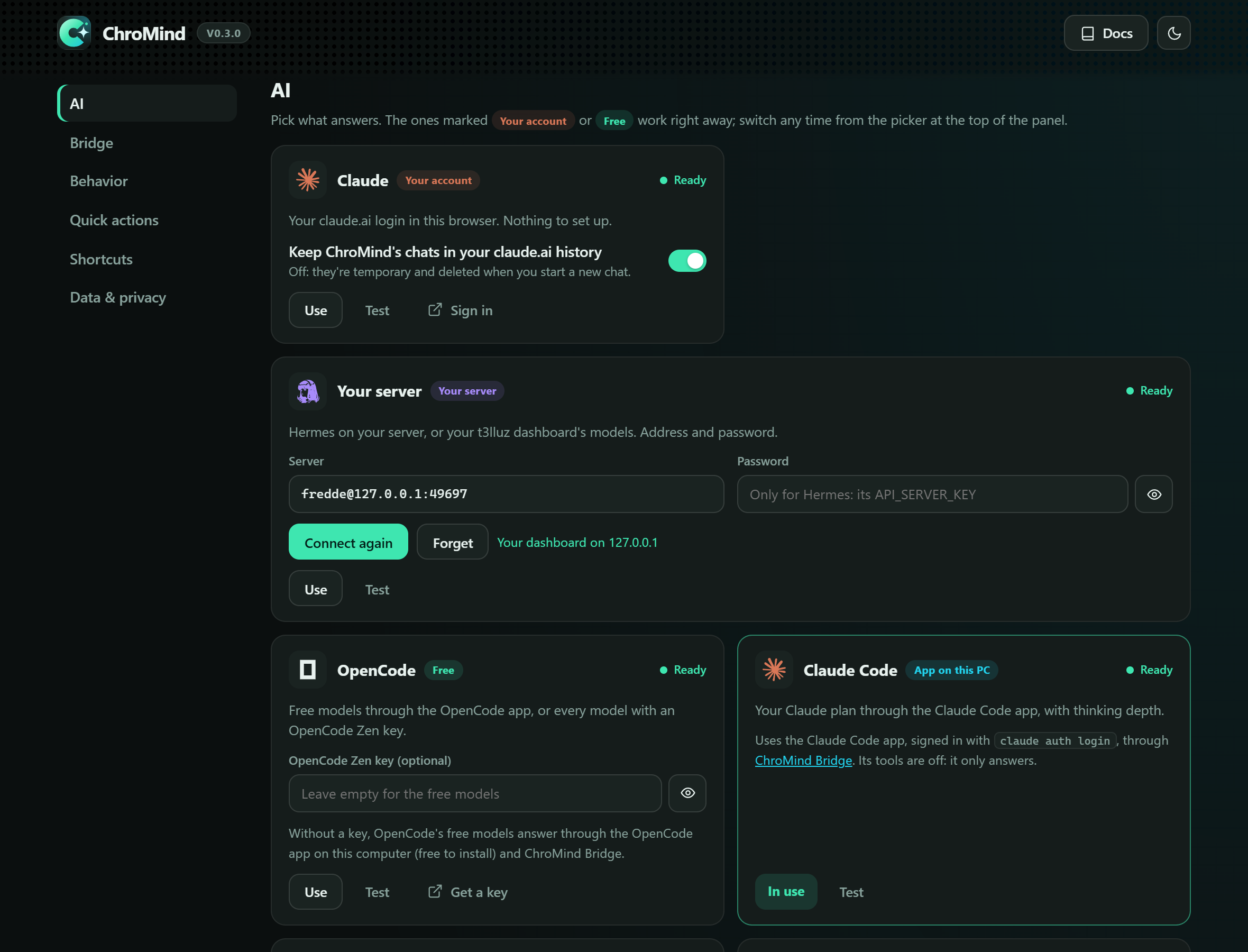
ChroMind opens its settings once. Pick the provider that should answer by default. If you're signed in to claude.ai, Claude works right away. See AI providers for the others.